 |
 |
 |
 |
 |
|
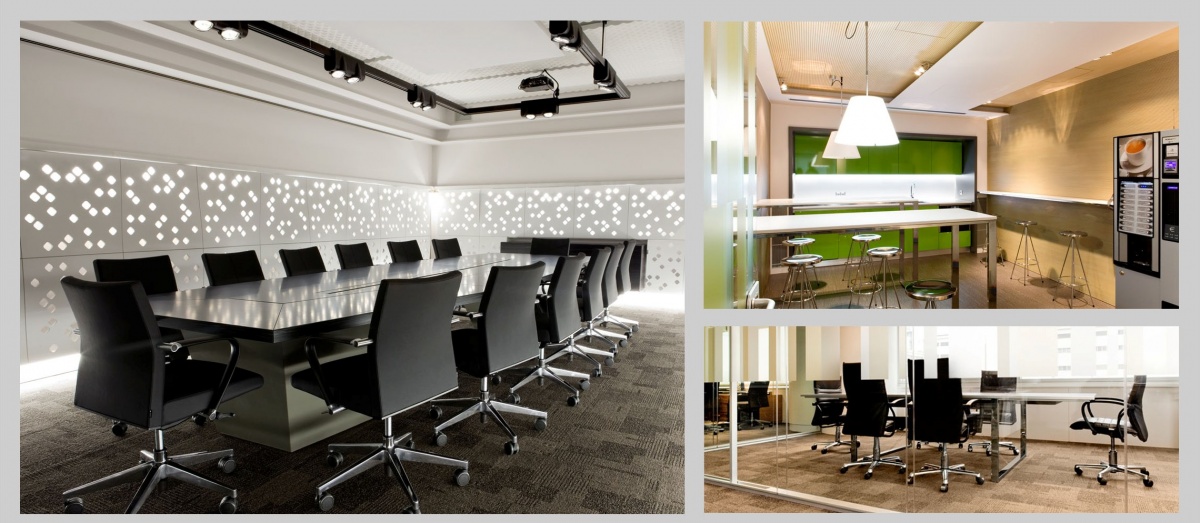
Headquarters Granova Granollers – Barcelona, Spain |
|
|
|
 |
|
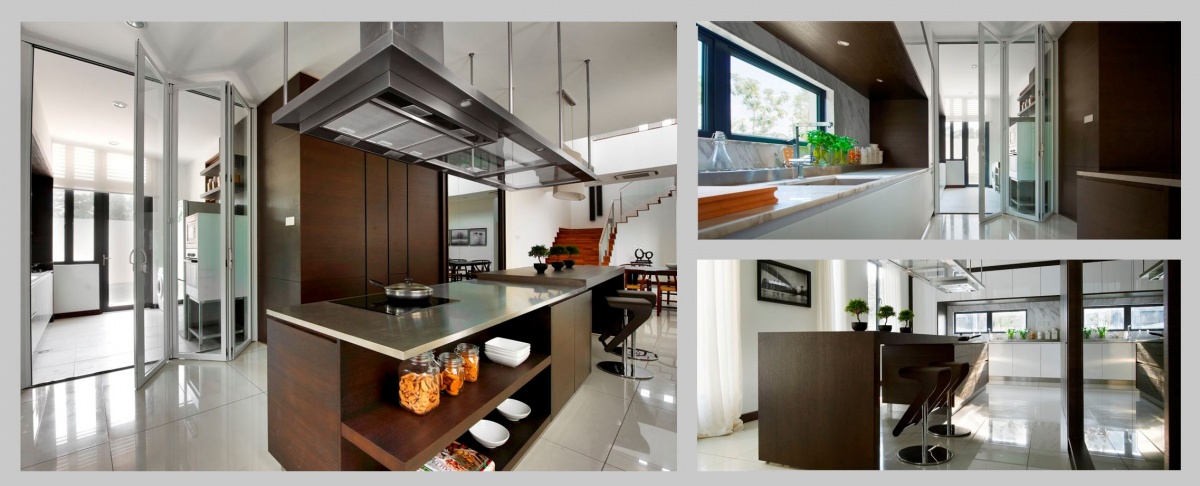
Permas Jaya B3 – Malaysia |
|
Company: Oriwise Sdn Bhd |
If we talk about modern trends such as the avant-garde and minimalist, it will be either pure white, matt or super bright with some touch of color, contrasting with the black or in combination with wood and granite. |
 |
 |
 |
 |
|
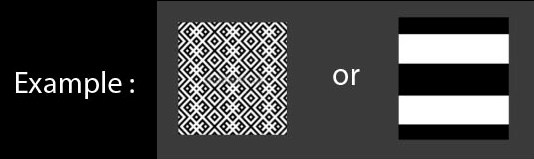
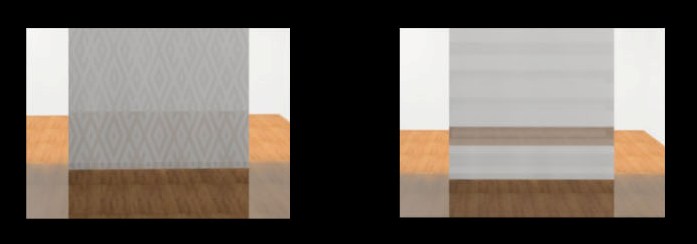
How to create frosted glass effect?
  |
Job Title : |
Interior Designer |
| _______________________________________________________________ | ||
Job Title : Company Name : Location : Contact Person : Contact : Required Skill(s) : |
Interior Designer Northern Décor Trading Alor Setar, Kedah Miss Lee 012-4755850 | lllee78@hotmail.com InteriCAD Software |
|
 InteriCAD@MALAYSIA
 @InteriCADmy
 TSExim